Table of Contents

QuickBooks dunning sends payment reminders on autopilot, which works until someone replies with a question or the wrong contact keeps ignoring your emails or a customer needs special handling. At that point, the automation stops and everything lands back in your lap. If your AR is straightforward, that's fine. If collections involves any actual back-and-forth, you'll feel the gap quickly.
TLDR:
- QuickBooks dunning sends scheduled email reminders based on invoice due dates.
- Invoice Butler handles customer replies, tracks down decision-makers, and follows up across channels.
- Partial payments and payment plans adjust automatically so reminders only fire when overdue.
- You get a dedicated AR team working in your Slack channel instead of another tool to manage.
What is QuickBooks Dunning?
QuickBooks Online includes a built-in dunning feature that sends automated payment reminders to customers with outstanding invoices. The basic workflow: QuickBooks scans your open invoices and fires off emails based on a schedule you configure.
The scheduling side is flexible enough for most small teams. You set trigger points relative to the due date: three days before, on the day itself, seven days after. A single overdue invoice can receive a whole sequence on autopilot.
Each message pulls from a template. QuickBooks ships with a handful of pre-written email templates, and you can edit the subject line and body text to fit your voice. The emails go out under your company name, which keeps things feeling professional instead of generic.
Who It Works For
For businesses that need basic scheduled nudges sent automatically, it covers the fundamentals well. If your accounts receivable volume is low and your customers generally pay without much chasing, QuickBooks dunning reminders do the job. The setup is straightforward, and the feature lives right inside your accounting software.
What is Invoice Butler?
Invoice Butler is an outsourced AR service, not a software tool you set up and leave running. We act as your dedicated collections team, handling everything from the first payment reminder to the final confirmation that money has landed.
Here is how it works: we connect to your invoicing system and take over. That covers sending reminders, managing customer replies, updating invoice details when requested, and logging into supplier portals like Coupa or Ariba to submit invoices and track approvals. If an existing contact goes quiet, we find the right decision-maker and follow up there instead.
What sets us apart from standard automation is the combination of AI and human AR specialists working together.
- AI handles the routine, time-sensitive tasks like reminder scheduling, status tracking, and portal submissions so nothing falls through the cracks.
- Human AR specialists step in for anything requiring judgment, whether that's a disputed invoice or a sensitive client relationship that needs a careful touch.
You get speed without sacrificing the care that keeps customer relationships intact. No new tool for your team to learn, and no manual chasing required.
Automated Follow-Up Capabilities
QuickBooks dunning works within one channel: email. The sequence runs on autopilot until it ends, and whatever happens after that falls back on you. Customer replied with a question? That's in your inbox now. Invoice still unpaid after the final reminder? QuickBooks has done its part.
The gap becomes clear when collections get complicated.
Invoice Butler monitors your AR inbox and handles every reply, whether that's answering a payment question, sending a W9, or agreeing to a revised payment date. When a contact goes quiet or turns out to be the wrong person entirely, we track down the actual decision-maker and follow up there instead.
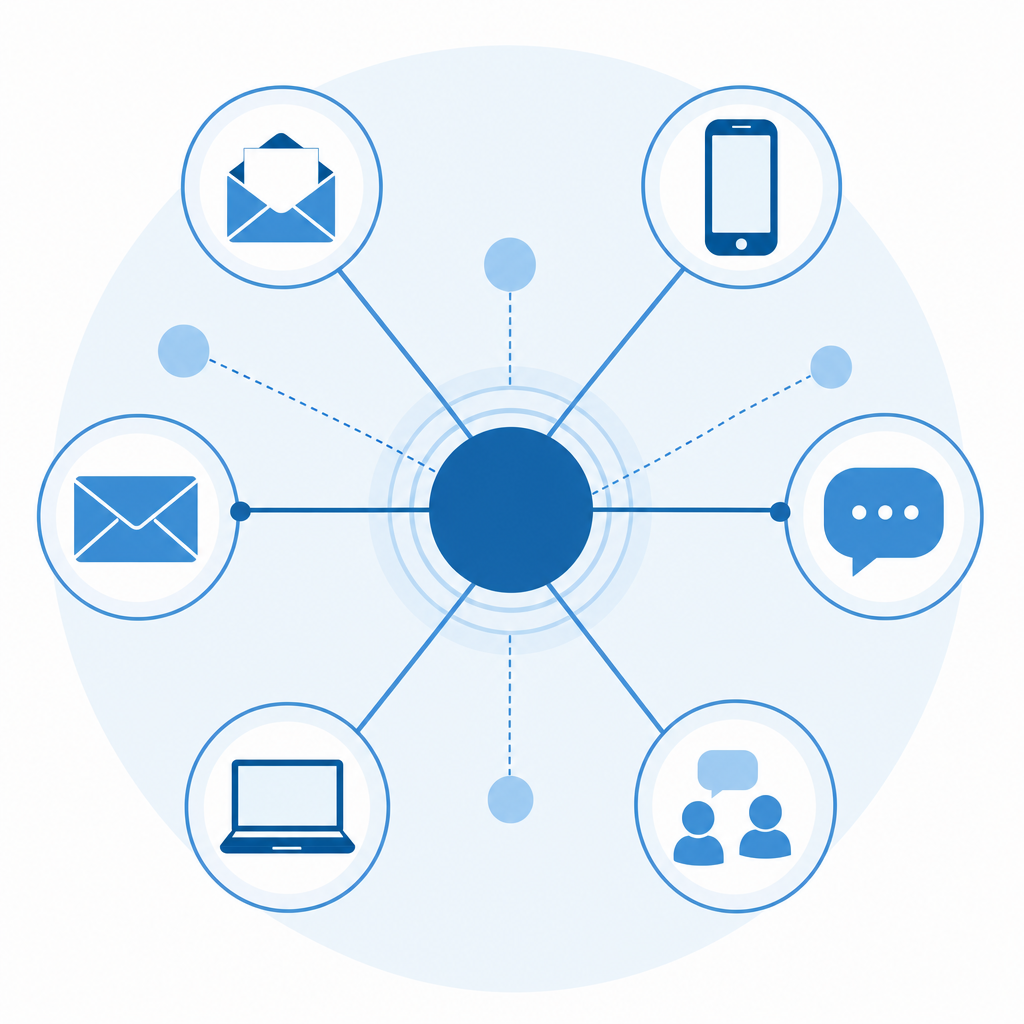
We also go beyond email. Depending on what works for your customer, follow-ups can go out via text, phone call, LinkedIn message, or even a shared Slack channel.
- When someone replies asking about a balance dispute, Invoice Butler responds directly instead of kicking it back to your queue.
- When a contact is unresponsive, we find the right person and re-engage through whatever channel is most likely to get a response.
- When a customer needs flexibility, we log the agreed payment date and follow up accordingly.
The goal is always the same: get your invoice in front of the right person, through the right channel, at the right time.
| Feature | QuickBooks Dunning | Invoice Butler |
|---|---|---|
| Follow-up channels | Email only | Email, text, phone, LinkedIn, Slack, and other channels based on customer preference |
| Customer reply handling | Replies go to your inbox for manual response | AR team monitors inbox and responds to every customer message directly |
| Contact management | Sends to contacts listed on invoice | Tracks down decision-makers when listed contacts are unresponsive or incorrect |
| Partial payment tracking | Manual application required with accounting knowledge | Automatic recognition and dunning sequence adjustment |
| Payment plan support | Manual setup and tracking per instalment | Structured plans with individual instalment tracking and automated reminders |
| Dispute resolution | Manual pause of reminders and tracking | Automatic flagging and pause with clean logging for reporting |
| Service model | Software tool your team configures and manages | Dedicated AR team working in your Slack channel |
Handling Complex Payment Processes
Both tools can handle invoicing, but the real test comes when payment situations get complicated.
QuickBooks gives you manual controls for partial payments, credit memos, and write-offs. These work well enough if your team has the time and accounting knowledge to apply them correctly. The problem is that collections get complicated quickly, and managing exceptions manually across dozens of accounts gets messy fast.
Invoice Butler was built with these edge cases in mind.
Partial Payments and Payment Plans
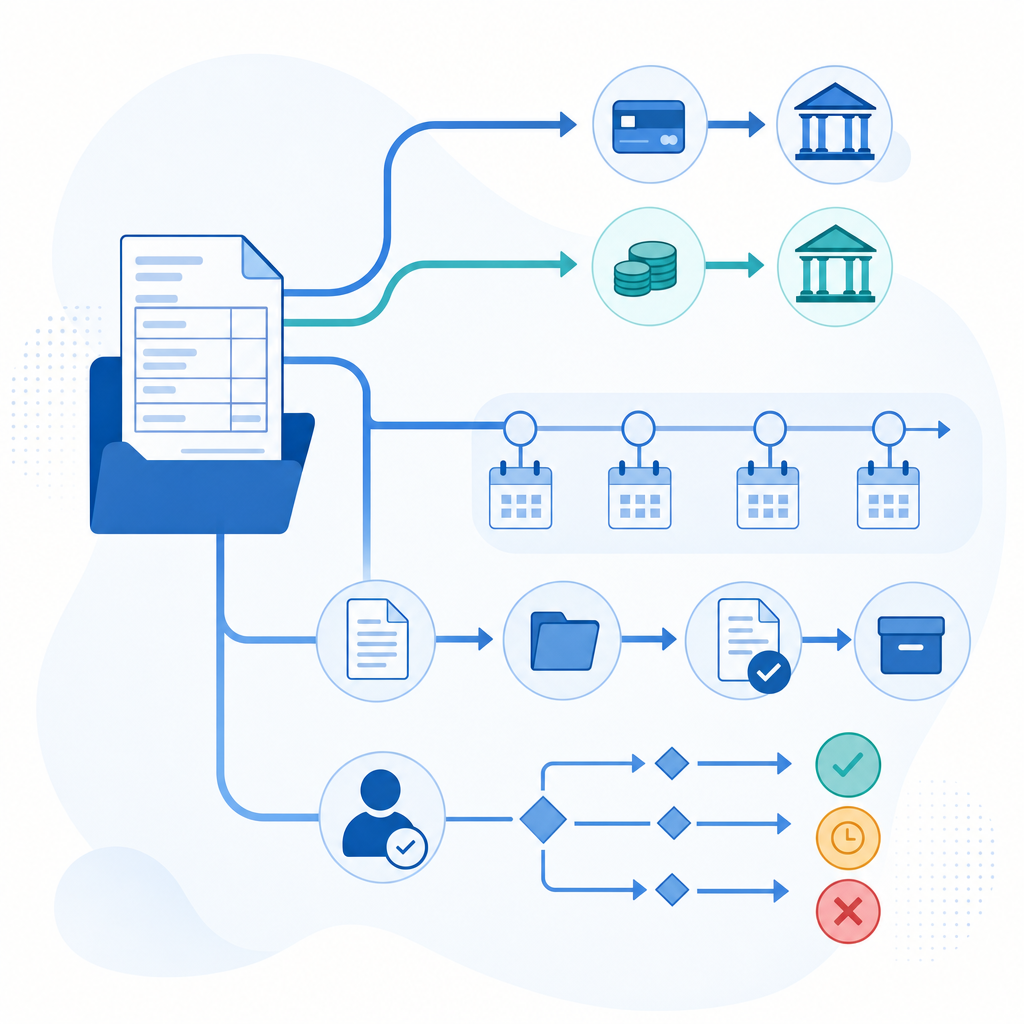
When a customer pays half an invoice, Invoice Butler automatically recognises the partial payment and adjusts your dunning sequence accordingly. You can also set up structured payment plans, and the system tracks each instalment separately so reminders only fire when something is actually overdue.
Write-Offs and Dispute Handling
Disputed invoices can be flagged and paused from your dunning queue without disrupting the rest of your collections workflow. Write-offs are logged cleanly so your AR reporting stays accurate.
QuickBooks handles these scenarios too, but the process requires more manual steps and accounting familiarity, which adds friction for smaller teams without dedicated finance staff.
Service Model and Team Support
QuickBooks dunning is a self-service tool. You configure the reminders, write the templates, and when something goes sideways (a customer disputes a charge, an escalation is needed), that work lands on whoever owns AR at your company. For teams with dedicated finance staff, that's manageable. For everyone else, it's one more responsibility stacking up.
Invoice Butler works differently. You get a team, not a dashboard to manage.
Our AR specialists work alongside you in your own Slack channel, so you're never out of the loop. Have a specific way you want a client handled? Tell us. Prefer we run things independently? We can do that too. You keep control over how your customers are treated, while we handle the actual legwork.
Because we work across hundreds of clients, we bring real perspective on what gets invoices paid faster. No hiring, no onboarding, no worrying about turnover in a role that rarely stays filled long.
Why Invoice Butler is the Better Choice
Invoice Butler was built for accounts receivable collections, which means every feature exists to get invoices paid faster. QuickBooks offers dunning as part of its full accounting suite, while Invoice Butler focuses exclusively on AR collections.
Here is what sets Invoice Butler apart for AR collections:
- Automated dunning sequences run on a schedule you define, sending reminders at exactly the right intervals without you lifting a finger after setup.
- AI-driven tone adjustment reads each customer's payment history and relationship context, then calibrates the firmness of each reminder accordingly.
- Granular escalation controls let you route overdue accounts to specific workflows based on days overdue, invoice value, or customer segment.
- Real-time AR dashboards give your team a live view of what is outstanding, what is in a reminder sequence, and what needs human intervention.
- Two-way payment portal links sit inside every reminder, so customers can pay directly from the email without logging into a separate system.
QuickBooks dunning reminders are genuinely useful if you already live inside QuickBooks and your overdue volume is manageable. Invoice Butler is worth considering when collections starts consuming real time, your overdue accounts are growing, and you need a dedicated tool that treats AR follow-up as a first-class job instead of a checkbox feature.
Final Thoughts on Making Dunning Work for Your Business
QuickBooks dunning covers scheduled reminders, which solves part of the problem. But collections rarely stay simple, and that's where having an actual team (instead of another dashboard) makes the difference. If you're curious what full-service AR looks like, schedule a conversation here and we'll show you exactly how it works.
FAQ
How do I decide between QuickBooks dunning and Invoice Butler for my business?
If you have low invoice volume, customers who generally pay on time, and a team comfortable handling exceptions manually, QuickBooks dunning reminders will cover your needs. Invoice Butler makes sense when collections is consuming considerable time each week, you're dealing with complex payment processes like supplier portals, or you need someone to handle the back-and-forth with customers instead of just sending scheduled emails.
What's the main difference in how each tool handles customer replies?
QuickBooks sends automated reminder emails on a schedule, but when a customer replies with a question or payment issue, that conversation lands back in your inbox for manual handling. Invoice Butler monitors your AR inbox and responds to every customer message directly, answering questions, resolving disputes, and tracking down new contacts if needed, so you never have to jump back into the chase.
Who is QuickBooks dunning best suited for versus Invoice Butler?
QuickBooks dunning works well for small businesses with straightforward invoicing needs, low overdue volume, and dedicated finance staff who can manage exceptions. Invoice Butler is built for growing B2B companies where collections has become a time drain, teams are stretched thin chasing payments, or you're dealing with enterprise customers who require portal submissions and complex payment processes.
Can Invoice Butler handle situations where customers need payment plans or dispute invoices?
Yes. Invoice Butler automatically adjusts reminder sequences when partial payments come through, can set up structured payment plans with individual instalment tracking, and pauses dunning on disputed invoices while your team resolves the issue. QuickBooks offers manual tools for these scenarios, but they require more hands-on work and accounting knowledge to apply correctly.
How long does it take to get Invoice Butler up and running compared to QuickBooks dunning?
QuickBooks dunning is already built into your accounting system, so setup involves configuring your reminder schedule and editing email templates—manageable in an hour or two. Invoice Butler connects to your invoicing system and typically gets configured in under an hour as well, but the difference is that our team then takes over the entire collections workload rather than you managing the tool yourself.