Table of Contents

Manual invoice follow-up works fine at low volume, which is exactly why it catches you off guard later. One day you're managing a few dozen invoices, and the next you're watching your finance team spend half their week on reminder emails instead of the work they were actually hired to do. The shift from 'manageable' to 'bottleneck' happens faster than most businesses expect, and learning how to stop chasing invoices manually becomes urgent the moment your growth outpaces your processes. The solution isn't more spreadsheets or another hire.
TLDR:
- Manual invoice processing costs $15-26 per invoice and burns 14+ hours weekly on collections
- 55% of B2B invoices are overdue at any time, stretching cash flow to 36.8 days on average
- Automated reminders sent 3-5 days before due dates improve on-time payment rates materially
- AI handles customer replies, portal submissions, and escalations without your team reading threads
- Invoice Butler manages your entire AR inbox and follows up across email, Slack, LinkedIn, and phone
The Hidden Costs of Chasing Invoices Manually
Most businesses treat late invoice follow-ups as a minor inconvenience. They're not. The cost of chasing payments manually adds up fast, and most finance teams don't realise how much they're actually spending to collect money they're already owed.
Start with the basics: manual invoice processing costs between £15 and £26 per invoice when you factor in labour, time, and administrative overhead. Multiply that across a full AR backlog and you're looking at a real line item, not a rounding error.
Then there's the time. Around 65% of businesses spend 14 or more hours per week on collections tasks alone. That's nearly half a standard work week, gone, before your finance team has touched forecasting, reporting, or anything that actually moves the business forward.
The opportunity cost is the part that stings most. Every hour a controller spends drafting a "gentle reminder" email is an hour not spent on analysis, planning, or growth. Manual collections cost money and momentum in equal measure.
How Manual Invoice Follow-Ups Impact Cash Flow
55% of all B2B invoiced sales in the U.S. are overdue at any given time. That's not a few slow-paying clients here and there. That's the majority of money you've already earned, sitting somewhere between "sent" and "paid" with no clear arrival date.
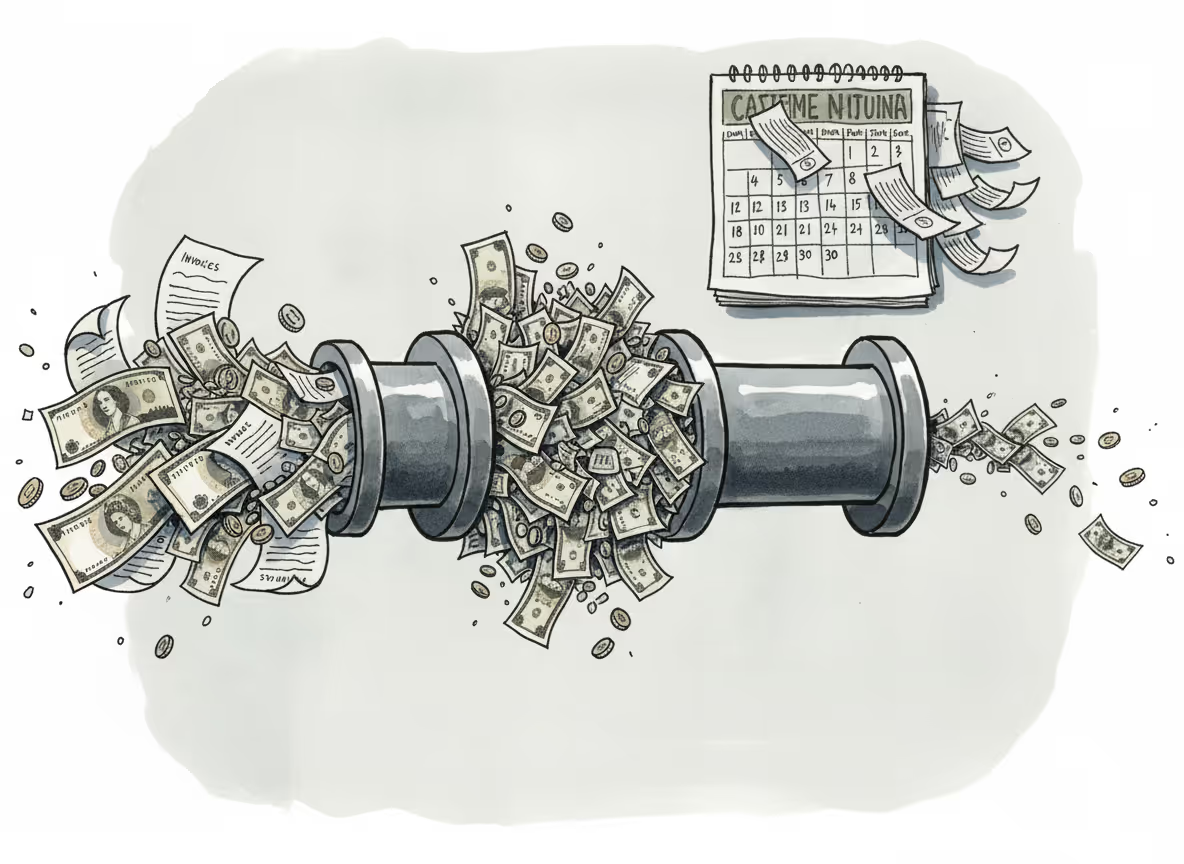
When collections run on manual processes, those delays compound. The average Days Sales Outstanding for domestic receivables sits at around 37 days. For businesses on thin margins or fast growth curves, that's weeks of working capital locked up and unavailable. You can't reinvest cash you don't have yet.
The slower your follow-up cadence, the longer that DSO stretches. Manual processes are, by nature, inconsistent. Reminders slip. Inboxes get busy. And every day a payment sits uncollected is a day you're quietly funding someone else's operations.
The Productivity Drain of Manual Collections

There's a ceiling on what manual collections can handle, and most growing businesses hit it faster than they expect.
The numbers make the case plainly. Under a manual process, one full-time employee can process around 6,082 invoices per year. With a fully automated system, that same FTE handles 23,333. That's not a marginal improvement; it's a different category of capacity entirely. If your invoice volume is growing but your headcount isn't, manual collections will eventually become the bottleneck.
Finance teams that move to digital AR processes report up to 50% productivity gains. That time doesn't vanish; it gets redirected toward work that actually requires a human brain. Dispute resolution, cash flow forecasting, vendor strategy. The kind of work people actually want to do.
Where the Scalability Problem Bites
The issue catches businesses off guard because manual AR works fine at low volume. But as you add clients, invoice frequency, and complexity, the cracks appear:
- More invoices means more follow-ups to schedule and send, which compounds quickly as your client list grows.
- More tracking means more spreadsheets, more tabs open, and more chances for something to slip through.
- More inbox management means finance staff spending hours each week on correspondence that could be handled automatically.
- More complexity means more hires just to keep pace, which turns a collections problem into a hiring problem.
Automation breaks that equation.
Automating Payment Reminders for Faster Collections
Getting paid faster often comes down to timing. Sending a reminder 3 to 5 days before an invoice is due can meaningfully improve on-time payment rates. Most businesses wait until after the due date to follow up, which means they're already playing catch-up.
Automated reminder sequences fix this by running a consistent, pre-scheduled cadence without anyone having to think about it. A well-structured multi-touch approach typically looks something like this:
- A pre-due reminder sent 3 to 5 days before the due date, giving clients enough notice to action payment without feeling rushed
- A due-date nudge on the day payment is expected, keeping the invoice top of mind
- A short follow-up 3 to 7 days past due if no payment has been received, maintaining a professional but firm tone
- An escalation to a decision-maker if the invoice remains unpaid after that, moving the conversation up the chain where it needs to go
The key is that each message feels personal. Referencing the specific amount, due date, and contact name keeps the tone relationship-friendly. Generic blasts get ignored. Context-aware messages get paid.
What automation removes from your plate is the tracking. No more scanning spreadsheets to figure out who needs a nudge today. No more drafting individual emails across a dozen open invoices. The system handles scheduling, sending, and follow-up thread management so your finance team's attention goes where it actually matters.
Setting Up Intelligent Collections Workflows
A solid collections workflow starts before any invoice goes out. Clear payment terms, defined escalation triggers, and a consistent cadence turn accounts receivable from reactive scrambling into a predictable process.
There are a few building blocks worth getting right from the start:
- Set payment terms explicitly on every invoice (Net 15, Net 30, etc.) so there's no ambiguity about when money is due
- Define aging thresholds that trigger automatic actions: 0 days out, 1-7 days overdue, 8-30 days, and 30+ days each warrant a different response
- Map escalation paths in advance so the system knows when to move from a polite nudge to a decision-maker outreach
- Connect your invoicing system so statuses sync automatically and follow-ups stop the moment payment lands
What Intelligent Escalation Actually Looks Like
Once an invoice crosses an aging threshold, the right workflow does more than send another email. It considers the client's history, checks whether the right contact is being reached, and adjusts tone accordingly. A first-time late payer gets a different message than a repeat offender.
Tying these rules to your existing billing data means every trigger fires based on real invoice status, not guesswork. Nothing gets missed because the logic runs continuously, not when someone remembers to check.
Using AI to Handle Customer Communications
Automated reminders are the easy part. The harder work is everything that happens after you send them.
Customers reply with questions. They ask for a different billing location or a PO number added. They CC the wrong person. They respond to your AP contact when the actual decision-maker is someone else entirely. This is where pure reminder tools hit their limit, and where AI earns its keep.
AI can read incoming replies, interpret what a customer is asking, and respond accordingly. Whether that's confirming payment details, flagging a contact who's no longer at the company, or routing an escalation to the right person, the tone stays consistent throughout: professional, clear, and on-brand without sounding robotic.
What This Looks Like in Practice
Your AR inbox stops being a daily obligation. Routine back-and-forth gets handled without anyone on your team reading a single thread. That frees your people for the conversations that genuinely need a human touch.
- Misdirected replies get routed to the correct contact automatically, so nothing slips through the cracks.
- Requests for updated invoice details (new PO numbers, corrected billing information) get acknowledged and escalated to the right person without manual triage.
- Customers receive timely, coherent responses even outside business hours.
How Invoice Butler Eliminates Manual Collections Work
Invoice Butler replaces the architecture of manual collections entirely, handling the parts of AR that most tools leave to you.
We manage your AR inbox end-to-end, keeping it at zero by responding to customer replies, resolving questions, and tracking down new contacts when old ones go cold. Personalized follow-ups go out on a smart cadence, timed and phrased to match each customer's behaviour. When invoices land in supplier portals like Coupa or Ariba, we log in, upload, and track approvals so your team never has to.
When someone goes quiet, we escalate to the actual decision-maker through whatever channel works: a shared Slack, LinkedIn, a phone call, a text.
Delegating vs. Automating
There is a real difference between the two. A reminder tool makes chasing invoices easier. Invoice Butler takes it off your plate entirely. Your team stops being the ones who remember, follow up, and track down approvals. We do that instead, so your attention goes elsewhere.
Final Thoughts on Getting Paid Without the Manual Work
The real cost of chasing invoices manually goes beyond the hours spent drafting emails. It's the momentum lost when your finance team can't focus on forecasting, strategy, or growth because they're stuck managing an inbox. Invoice Butler removes that entire workload by handling every piece of the collections process, from smart reminder sequences to decision-maker escalations. If your team is spending more time chasing payments than analyzing them, book a quick call and we'll walk through what delegating AR actually looks like.
FAQ
How long does it take to see ROI from automating invoice collections?
Most businesses see returns within the first 30 days of switching to automated collections. The productivity gains show up immediately (you're no longer spending 14+ hours per week on manual follow-ups), whilst the cash flow improvements compound as your Days Sales Outstanding drops and overdue payments start coming in faster.
Manual invoice tracking vs automated AR workflows?
Manual tracking requires constant spreadsheet updates and calendar reminders, eating up roughly half a work week per person and capping capacity at around 6,000 invoices per year. Automated workflows handle the scheduling, sending, and status tracking without human intervention, increasing that capacity to over 23,000 invoices per FTE whilst freeing your team for actual finance work like forecasting and analysis.
Can AI actually handle customer replies to payment reminders?
Yes. Modern AI can read incoming customer responses, interpret what's being asked (whether it's a billing detail change, a misdirected contact, or a payment question), and respond appropriately in a professional tone. This keeps your AR inbox clear without requiring your team to manually triage every reply.
What's the actual cost of chasing invoices manually?
Manual invoice processing costs £15-26 per invoice when you factor in labour and administrative time. With 55% of B2B invoices overdue at any given time, those costs multiply fast. Add in the opportunity cost of finance staff spending time on follow-ups instead of strategic work, and you're looking at a substantial hidden expense most businesses don't track.
When should I stop doing collections in-house?
If your team is spending more than 10-15 hours per week on payment follow-ups, or if invoice volume is growing faster than your headcount, manual collections has become the bottleneck. At that point, you're either hiring another person just to keep pace or accepting longer payment cycles and higher DSO.