Table of Contents

Most businesses start shopping for receivable management software after the third time this month someone asks why cash is tight when the sales numbers look solid. The gap between invoicing and collecting payment creates real pressure, especially on Net 30 or Net 60 terms where manual follow-up is easy to let slip. We've compared the seven platforms worth considering based on what they actually deliver for collections speed, team workload, and integration with the tools you're already using.
TLDR:
- AR software automates invoice follow-ups and payment tracking, reducing DSO by 15-30 days on average
- Small businesses need quick setup and simple reminders; enterprises require ERP integrations
- Standalone AR tools handle escalations and multi-channel follow-up better than accounting platforms
- Free options cover basic invoicing but lack automated collections workflows for persistent late payers
- Invoice Butler acts as your outsourced AR team, handling everything from reminders to portal submissions
What Is Accounts Receivable Software and Why Your Business Needs It
Accounts receivable software manages everything between sending an invoice and collecting payment. Reminders, follow-ups, status tracking, and escalations all live in one place instead of scattered across inboxes and spreadsheets.
For B2B businesses operating on Net 30 or Net 60 terms, that gap between invoicing and payment creates genuine cash flow pressure. Chasing payments manually is tedious and easy to let slip, especially when your team has other work to do.
The numbers back this up: mid-sized companies using intelligent AR solutions shave seven days off their average DSO and save USD 440,000 per year through labor savings and early-payment capture.
Key Features to Look for When Choosing Accounts Receivable Software
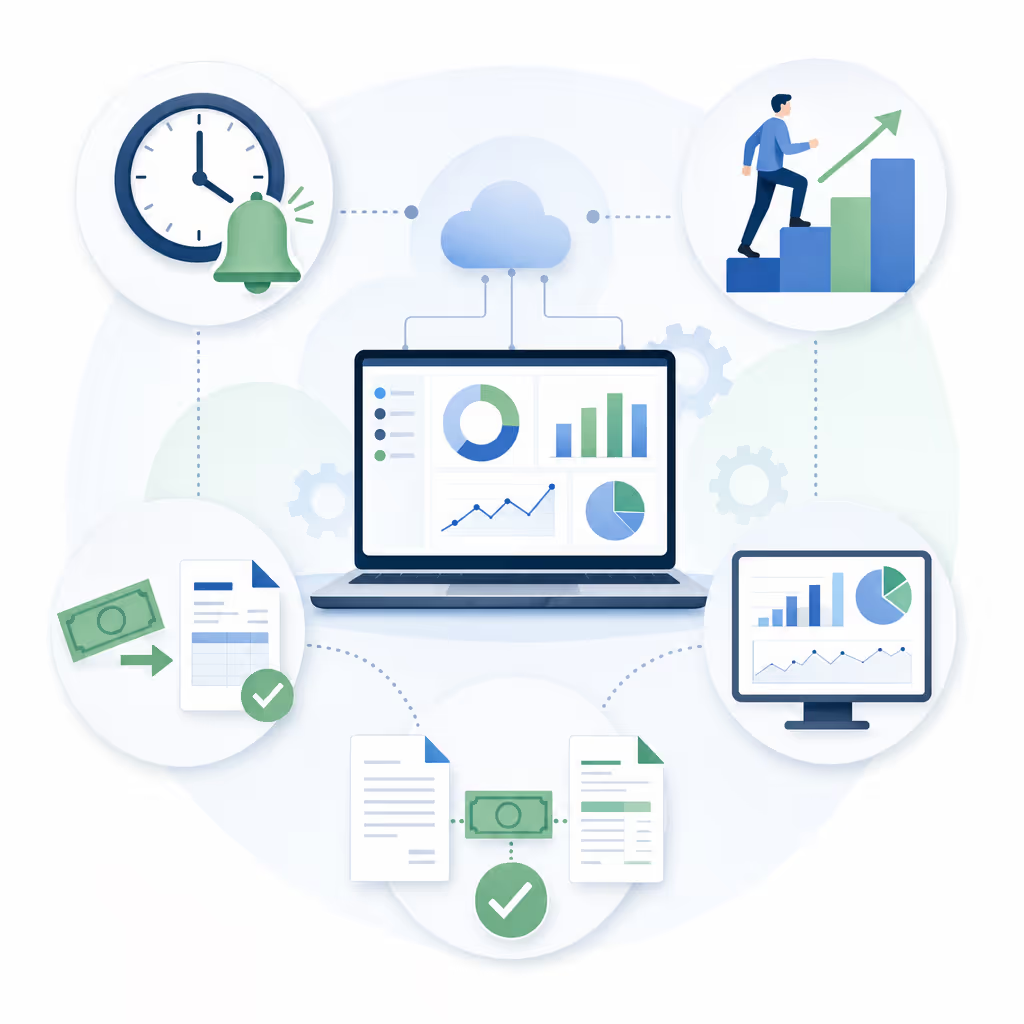
Not every AR tool checks every box. These are the features that actually move the needle on cash flow and cut down manual work:
- Automated reminders that trigger on a schedule, not when you remember to send them
- Payment tracking with aging reports so nothing slips past due unnoticed
- Collections workflows that escalate overdue invoices without manual nudging
- Cash application that matches incoming payments to open invoices automatically
- Real-time dashboards showing DSO, outstanding balances, and collection rates at a glance
One more thing worth checking before you commit: integration. A solid feature set loses its value fast if it can't integrate with your accounting software.
How Accounts Receivable Automation Reduces Days Sales Outstanding
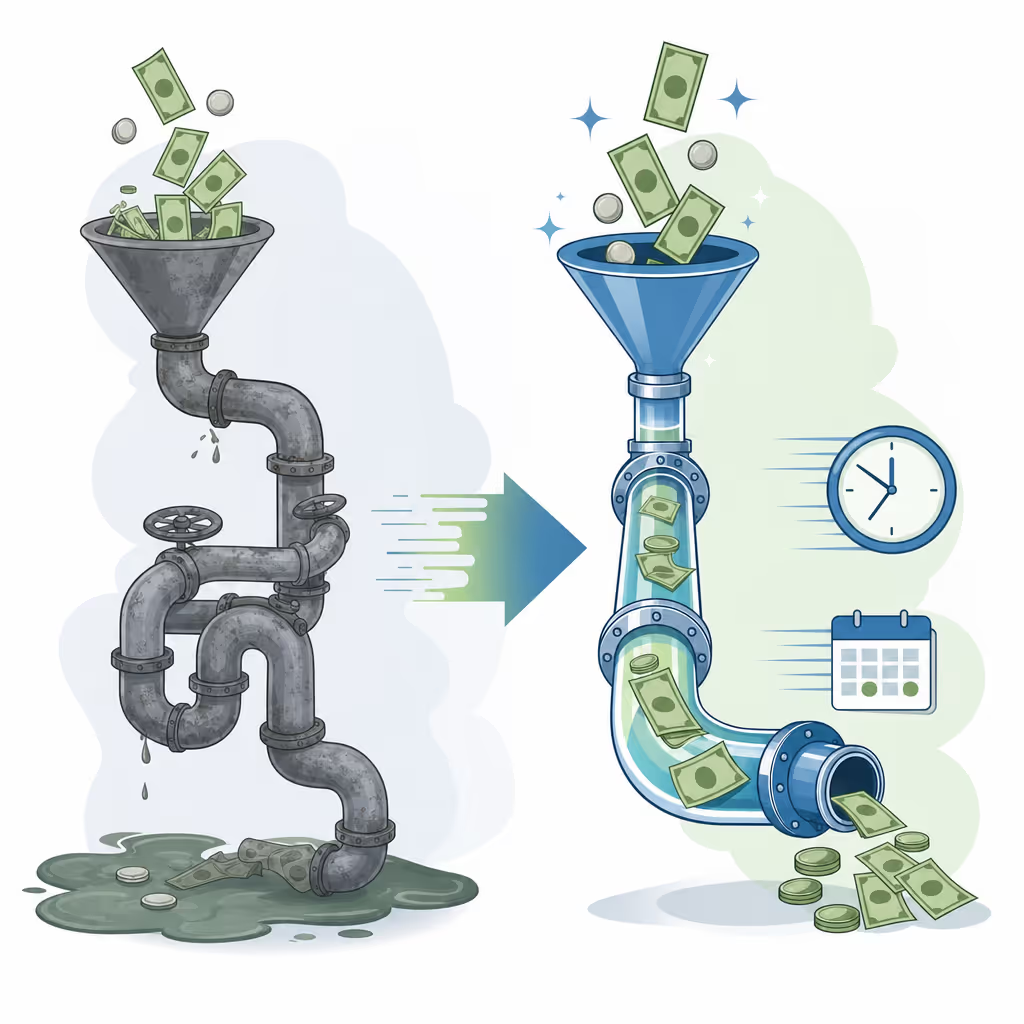
Days Sales Outstanding measures the average number of days between sending an invoice and collecting payment. That gap is where cash gets stuck.
Automation cuts it down by removing human delay from the follow-up cycle. An automated workflow sends reminders on day one, day seven, and day fourteen with no prompting required.
Companies that automate AR typically reduce DSO by 15 to 30 days within the first 90 days. On a $2 million receivables book, that improvement can free up $110,000 or more in working capital.
Better liquidity means less reliance on credit lines and more room to grow.
Accounts Receivable Software for Small Business vs. Enterprise Solutions
Small businesses and enterprise teams are solving the same problem, but the tools they need look very different.
For small businesses, speed and simplicity matter most. You want something up and running fast, without paying for complexity you'll never need. Enterprise buyers face longer implementations, more stakeholders, and often require dedicated IT just to go live, which means vetting vendors well in advance.
Standalone Accounts Receivable Software vs. All-in-One Accounting Platforms
QuickBooks and Xero handle AR, but they're built for bookkeeping first. Receivables features tend to stop at sending invoices and logging payments; useful, but thin.
Standalone AR tools go deeper, with escalation logic, aging workflows, and multi-channel follow-up baked in. That extra layer matters when late payments are a real cash flow problem, not merely an occasional inconvenience.
Simple rule: if AR is an occasional annoyance, your existing accounting software is probably fine. If it's a persistent drain on cash, a dedicated tool earns its keep quickly.
Integration Capabilities: Connecting AR Software with Your Tech Stack
AR software that can't talk to your existing tools creates more work, not less. Native connections to your accounting system, payment processors, and CRM let invoice data flow without anyone manually moving it.
No duplicate entries. Fewer errors. Payment status that updates across all your systems in real time, not at the end of someone's workday.
Pre-built connectors to tools like QuickBooks, Xero, Stripe, NetSuite, or Bill.com cut setup time dramatically. Going live in an afternoon beats a months-long IT project.
The Business Case for Accounts Receivable Automation: ROI and Cost Savings
Companies that automate accounts receivable typically cut DSO by up to 30%, meaning cash arrives weeks sooner. That adds up fast. Automation also frees your team from manual follow-ups, reducing AR processing costs by as much as 80%.
Best Accounts Receivable Software #1: Invoice Butler
Invoice Butler operates as an outsourced AR team backed by AI, covering the full collections workflow from reminders to supplier portal submissions. Where most tools stop at automated emails, Invoice Butler handles inbox replies, phone calls, and escalations to decision-makers when contacts go quiet. The service combines AI-driven automation for routine follow-ups with human specialists who manage disputes, work through supplier portals, and have the conversations that require judgement instead of just scripts. You're not buying software to manage; you're hiring a team that does the work whilst you focus on running your business. Setup takes under an hour because there's no complex configuration or training required, just connect your accounting system and the collections process starts running. It's particularly valuable for companies where customer relationships matter and a ham-fisted automated email could damage a key account, since the Butler adjusts tone and escalation based on context instead of blindly following a sequence.
Ideal for B2B companies invoicing on Net 30 or Net 60 terms who want collections fully off their plate.
Best Accounts Receivable Software #2: Billtrust
Billtrust automates cash application, invoicing, and collections for mid-market and enterprise B2B companies. It handles multiple payment channels (ACH, credit card, and cheque) and connects natively to major ERPs like SAP and Oracle. Its Business Payments Network lets suppliers deliver invoices electronically directly into buyers' AP systems, which cuts down on the back-and-forth that delays payment cycles. The cash application engine uses AI to match incoming payments to open invoices automatically, even when remittances arrive separately or in inconsistent formats. For teams processing hundreds or thousands of invoices a month, that automated matching is where the real time savings show up.
Best suited for high-volume billing teams at mid-market or enterprise companies where manual payment matching creates daily bottlenecks.
Best Accounts Receivable Software #3: HighRadius
HighRadius targets enterprise finance teams with AI-powered cash application, collections, and credit management. Its cash application engine matches incoming payments to open invoices automatically, even when remittances arrive in inconsistent formats or through separate channels. The collections module runs automated follow-up sequences and surfaces prioritised worklists for AR staff, so the team focuses on accounts that need human attention instead of routine chasing. On the credit side, it pulls real-time data to assess customer risk and set credit limits, which cuts down on late payments before they start. It connects natively with SAP, Oracle, and other major ERPs, and the implementation is typically scoped as an enterprise project with dedicated support.
Best for large B2B companies processing high invoice volumes where manual cash matching and credit risk management are daily bottlenecks requiring a purpose-built enterprise solution.
Best Accounts Receivable Software #4: Versapay
Versapay takes a collaborative approach to accounts receivable, giving buyers and suppliers a shared portal to view invoices, raise disputes, and confirm payments without the usual back-and-forth email chains. Instead of pushing reminders at customers, it pulls them into a self-service environment where they can query, approve, and pay invoices on their own schedule, which tends to cut dispute resolution time considerably. Its AI-powered cash application matches incoming payments to open invoices automatically, handling split payments and partial remittances without manual intervention. Native integrations with NetSuite, SAP, and Oracle mean invoice data flows directly from your ERP without anyone manually syncing records. For finance teams where the bottleneck is disagreements and back-and-forth instead of simple forgetfulness, the collaborative model removes friction at exactly the right point in the process.
Best for mid-market companies where invoice disputes and buyer communication slow down collections more than the follow-up process itself.
Best Accounts Receivable Software #5: Bill.com
Bill.com covers both accounts payable and accounts receivable in a single tool, which makes it a practical pick for small businesses that want to consolidate instead of juggling multiple subscriptions. On the AR side, it handles invoice delivery, online payment collection via ACH or card, and automatic two-way syncing with QuickBooks and Xero, so your books stay current without manual reconciliation. Customers receive a branded payment portal where they can view and pay invoices directly, which cuts down on the back-and-forth that slows collections. Automated payment reminders can be scheduled around due dates, covering the basic follow-up workflow without requiring a separate tool. For businesses already using Bill.com on the payables side, bringing receivables into the same interface removes a subscription and keeps cash flow visibility in one place.
It won't replace a dedicated collections workflow for high-volume teams, but for businesses that need reliable AP/AR basics without a steep learning curve, it covers the fundamentals well.
Best for small to mid-sized businesses wanting combined payables and receivables management in one place.
Best Accounts Receivable Software #6: Invoiced
Invoiced automates the billing and collections cycle for mid-market B2B companies, handling recurring invoices, payment plans, and dunning sequences from a single dashboard. Where most AR tools are built around one-off invoices, Invoiced is designed for businesses that bill on a schedule (subscriptions, retainers, or usage-based contracts) with configurable billing logic that adapts to how you actually charge customers. Its self-service customer portal lets buyers view invoice history, download statements, and pay without raising a support request. Automated follow-up sequences can be tailored by customer segment, invoice age, or payment behaviour, so chronic late payers get a different cadence than reliable ones. Native integrations with QuickBooks, NetSuite, and Salesforce mean invoice data stays current across your finance and sales stack without manual reconciliation.
Best for subscription or usage-based businesses that need flexible billing logic alongside AR automation, beyond simple one-off invoice follow-up.
Best Accounts Receivable Software #7: Sage Intacct
Sage Intacct is a cloud-based ERP and accounting system with AR capabilities built into its core, covering automated billing, collections workflows, and multi-entity reporting from a single system. Where standalone AR tools bolt onto your accounting software, Sage Intacct keeps everything in one place: invoicing, cash application, and revenue recognition all sit alongside your general ledger. Its multi-entity and multi-currency support make it particularly well-suited to companies operating across subsidiaries or international markets, where consolidating AR data manually is a recurring headache. Collections workflows can be configured by customer segment or invoice age, with automated reminders and escalation rules that run without manual input from the finance team. Real-time dashboards give controllers and CFOs a live view of DSO, aging balances, and collection rates across the entire business, instead of a snapshot pulled at month end.
Best for growing mid-market companies that want AR automation baked into their core accounting system without managing a separate integration.
Free Accounts Receivable Software Options and Their Limitations
Free options like Wave handle invoicing and basic payment tracking without a monthly fee. For solo operators or very low invoice volumes, that coverage is often enough.
The limitations show up fast once AR needs grow:
- No automated reminder sequences to chase overdue invoices on your behalf
- No collections escalation logic for persistent late payers
- Minimal integrations beyond basic accounting sync
- Little to no customer support when things go wrong
Free tools are built for record-keeping, not collections. If late payments are a recurring problem, the ceiling hits quickly.
When to Consider an Accounts Receivable Service Instead of Software
Software hands you the tools. A service handles the work.
The difference matters when your team has no dedicated AR staff, when customers require portal submissions and ongoing back-and-forth, or when a key client relationship makes aggressive automated reminders a risky call.
Invoice Butler works as your outsourced AR team. AI handles routine follow-ups, human specialists manage disputes and escalations, and collections run without you managing them day to day.
Final Thoughts on Finding Your AR Fit
Best accounts receivable software depends on whether you need tools or a team handling the work for you. For most B2B companies on payment terms, the gap between sending invoices and collecting cash creates real pressure. If you want collections off your plate completely, book a discovery call to see how Invoice Butler works as your outsourced AR department. Cash flow improves when follow-ups happen without you touching them.
FAQ
What's the best accounts receivable software for small business?
For small businesses, the best choice depends on whether you want software to manage yourself or a service that handles the work for you. Tools like Bill.com or QuickBooks work if you have time to run collections, while Invoice Butler acts as your outsourced AR team, handling follow-ups, phone calls, and supplier portal submissions without you lifting a finger.
Billtrust vs Invoice Butler for B2B collections?
Billtrust focuses on high-volume cash application and invoicing for enterprise teams with existing AR staff, whilst Invoice Butler operates as your full AR team, handling everything from reminders to portal submissions to phone follow-ups. If you need someone to do the collections work instead of software to help your team do it, Invoice Butler is the better fit.
Can I find free accounts receivable software that actually automates collections?
Free options like Wave handle invoicing and basic payment tracking but lack automated reminder sequences, escalation workflows, and meaningful integrations. They're built for record-keeping, not collections. If chasing late payments is a recurring problem, dedicated AR automation will serve you better.
How much does accounts receivable automation reduce DSO?
Companies that automate AR typically cut DSO by 15 to 30 days within the first 90 days of implementation. On a £2 million receivables book, that improvement frees up roughly £110,000 in working capital, meaning less reliance on credit lines and more cash available for growth.
When should I use an AR service instead of software?
Consider a service when your team has no dedicated AR staff, when customers require supplier portal submissions and ongoing back-and-forth, or when key client relationships make aggressive automated reminders risky. A service like Invoice Butler handles the actual work (disputes, escalations, phone calls) whilst software just gives you tools to manage it yourself.