Table of Contents

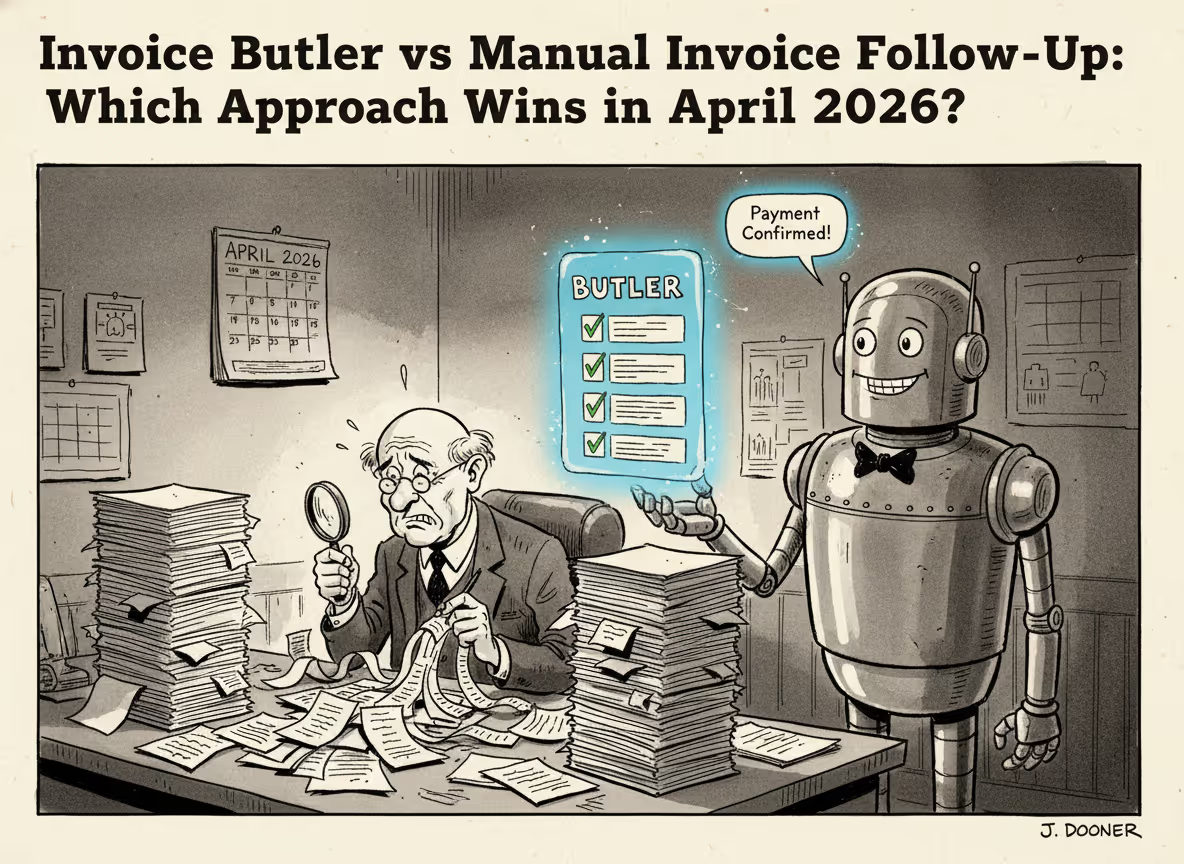
The Invoice Butler versus manual invoice follow-up comparison looks different once you factor in what manual systems can't recover from: institutional knowledge walking out the door when staff turn over, contact information going stale across your entire client base, and administrative form requests that bury invoice reminders for weeks at a time. Manual processes work fine until they quietly stop working, and by the time you notice, your DSO has already climbed.
TLDR:
- Manual invoice follow-up costs roughly $15 per invoice and drains 14 hours weekly from finance teams.
- Lost contacts and admin requests push Days Sales Outstanding past 36 days on average.
- Invoice Butler combines AI with AR specialists to handle collections end-to-end in under an hour setup.
- Automation processes 4x more invoices per person than manual methods without adding headcount.
The Hidden Costs of Manual Invoice Follow-Up
Chasing invoices manually sounds manageable until you do the math. Finance teams spend an average of 14 hours each week following up on unpaid payments with invoice follow-up automation tools helping reduce this burden, which is nearly two full working days gone to reminder emails, status checks, and inbox monitoring. That's not a minor inconvenience. That's a structural drain on your team's time.
The per-invoice cost tells a similar story. Processing an invoice manually runs about $15 on average. Run a few hundred invoices a month and you're looking at thousands of dollars in labour before anyone has even picked up the phone on an overdue account.
What makes this worse is the opportunity cost. Every hour a controller or finance VP spends drafting follow-up emails is an hour not spent on forecasting, cash flow analysis, or anything that actually moves the business forward. Manual collections work is repetitive and low-impact by nature, which is why collections software has become so valuable for small business teams.
When Context Gets Lost in Manual Follow-Up
Manual follow-up is a memory sport nobody signed up to play. When a customer has a history of paying late, prefers a specific contact, or flagged a dispute three months ago, that context lives somewhere between a spreadsheet, an email thread, and whoever handled it last.
The problem compounds fast. A follow-up email sent without that history can come across as tone-deaf, or worse, rehash a conversation the customer thought was already resolved. That creates friction, delays payment further, and quietly damages the relationship you've been careful to build.
People also leave. When an AR staff member moves on, their institutional knowledge walks out with them. The next person starts cold, sifting through email chains trying to reconstruct what happened and who to contact. That ramp-up costs real time on accounts that were already overdue.
Automated systems keep a running record of every interaction, contact attempt, and response by default. Nothing gets lost between handoffs.
The Contact Treasure Hunt Problem
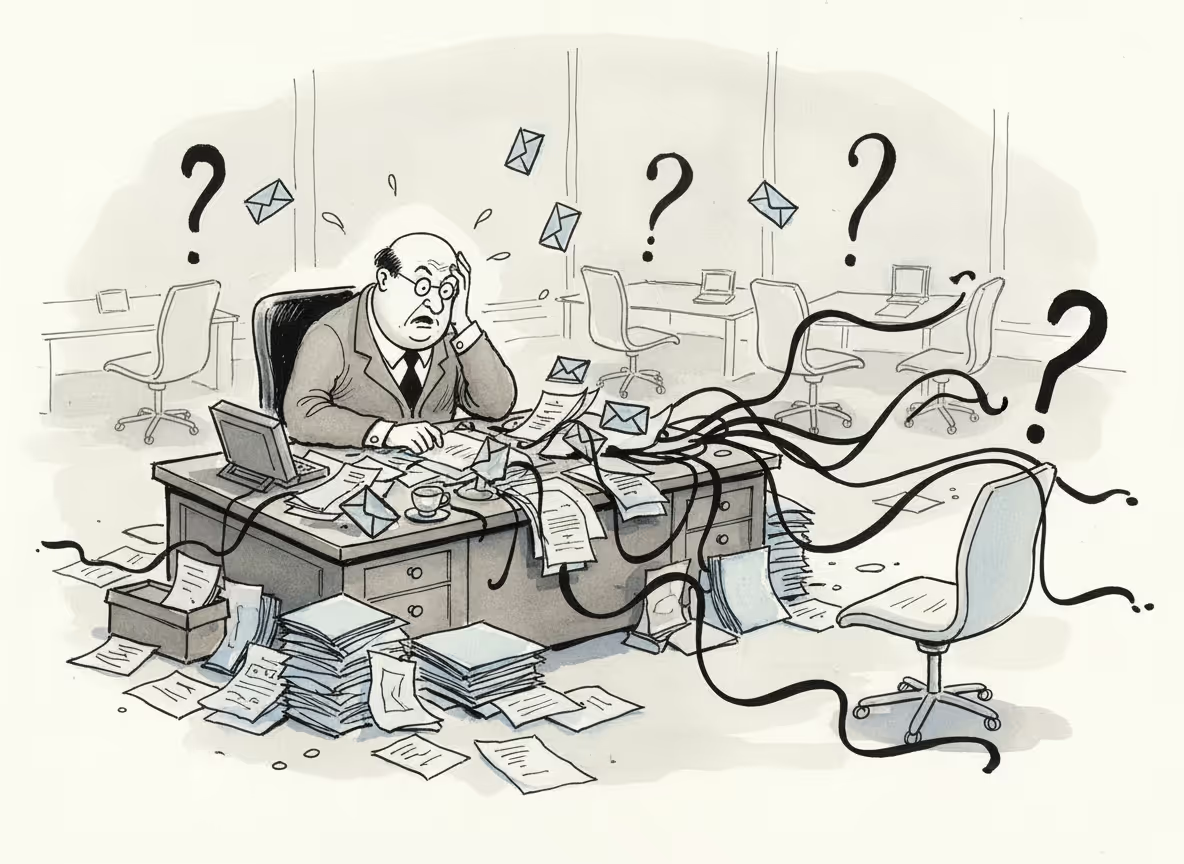
Finding the right person to pay your invoice sounds simple. It rarely is.
Contacts change roles. Emails bounce. The AP coordinator you've been emailing for six months gets promoted, leaves, or moves to a different department, and suddenly your carefully worded reminder goes nowhere. You're back to square one, digging through old contracts, LinkedIn profiles, and forwarded email chains just to find current contact details.
This happens constantly across any portfolio of B2B clients, and every hour spent tracking down a new contact is an hour the invoice sits unpaid.
The downstream effect matters too. Even when the right person is eventually found, the delay pushes payment back by days or weeks. Multiply that across dozens of accounts and your Days Sales Outstanding creeps up for reasons that have nothing to do with customer willingness to pay, making DSO reduction software a smart investment.
Invoice Butler handles this automatically. When a contact goes cold or bounces, we find the right decision-maker and reroute, without your team ever needing to know it happened.
Administrative Form Requests That Derail Collections
Getting paid isn't always as simple as sending a reminder. Before a customer's AP team will process your invoice, they want a W-9. Or proof of insurance. Or updated banking instructions submitted through their vendor portal. Or all three.
Each request is reasonable on its own. Stacked together, they create a gauntlet. Someone on your team has to locate the document, format it correctly, email it to the right person, and then follow up again once the original invoice reminder has been buried under the back-and-forth.
These administrative detours are invisible in most collections workflows because they look like paperwork, not collections problems. But they consistently push payment out by days or weeks.
The Organization Tax on Manual Collections
Spreadsheets feel organised right up until they don't. Ten clients? A tab with due dates and colour-coded statuses works fine. At thirty, you're juggling multiple sheets. At a hundred, you're running a second job just to know who needs a follow-up today.
The system breaks not with a crash but a slow accumulation of gaps. A flagged invoice gets buried. A "call back Tuesday" note lives in someone's personal to-do list. A promise to pay goes untracked.
These aren't careless mistakes. They're what happens when volume outpaces what any person can reasonably hold in their head. The result: some customers get chased, others slip through for weeks, and that inconsistency shows up directly in your cash flow.
How Automation Changes the Collections Equation
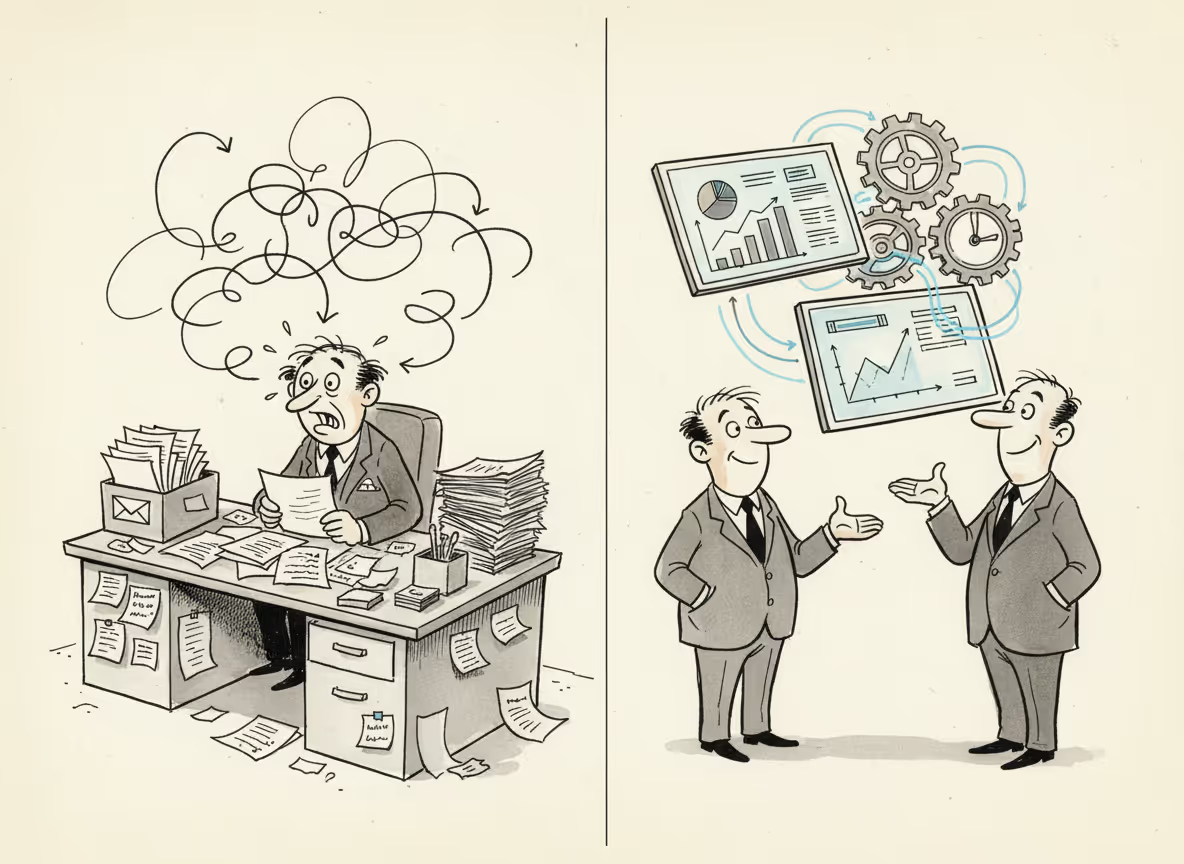
Automation removes the need for a person to do every piece of collections work manually.
Where manual processes rely on memory and spreadsheets, automated systems track every interaction by default. Contact history, prior disputes, preferred communication channels: all logged, all accessible, all carried forward without anyone needing to remember.
The same applies to contact discovery, document requests, and follow-up timing. A task no longer sits in someone's inbox waiting to be actioned. The system works continuously, across every open invoice at once.
The real shift is consistency. Every customer gets followed up with the same persistence, regardless of invoice size or how busy your team is that week.
The Days Sales Outstanding Impact
Days Sales Outstanding (DSO) measures how long it takes to collect payment after sending an invoice. The average DSO hit 36.8 days in Q3 2024 for domestic trade receivables. That's over a month of working capital sitting idle.
Every day that number climbs, you're effectively lending money to your customers interest-free. For a business doing $2M in annual revenue, even a 10-day DSO reduction frees up roughly $55,000 in cash.
Consistent, scheduled follow-up is the fastest lever for bringing DSO down, which multi-channel invoice collections solutions deliver automatically. Automated systems follow up on schedule every time, compressing the gap between invoice sent and payment received.
Error Rates and Payment Accuracy
Manual processes and mistakes go together. Over 60% of invoice errors trace back to manual data entry, producing wrong PO numbers, mismatched billing details, and duplicate charges that customers dispute before paying anything.
Each error kicks off a correction loop: catch it, fix it, resubmit, wait. That cycle adds days to an already slow process and quietly erodes trust with the clients you're billing.
Automated systems apply validation at every step, catching mismatches before they reach the customer.
Scaling Collections Without Scaling Headcount
Manual collections scale one way: you hire more people. More invoices means more staff, more training, more management overhead, and more turnover risk.
The math on automation tells a different story. A fully automated accounts payable process handles 23,333 invoices per year per full-time equivalent compared to just 6,082 under a completely manual approach, making aging receivables recovery tools critical for scaling. That's nearly four times the output from the same headcount.
For a growing business, that gap separates collections that grow with you from collections that become a hiring problem every time revenue increases.
How Invoice Butler Combines AI with AR Expertise
Most AR software hands you a tool. We handle the work.
Invoice Butler pairs AI automation with a team of AR specialists who step in when judgment matters, offering one of the best hybrid AR solutions: a disputed invoice, a sensitive client relationship, an escalation that needs a human read. The AI manages routine follow-ups, tracks every interaction, and flags issues. The specialists handle the edge cases.
That combination covers the breaking points described earlier: contact discovery, supplier portal submissions, document requests, inconsistent follow-up. None of it requires your team to intervene.
Setup takes under an hour. After that, collections run in the background while your team focuses elsewhere.
Final Thoughts on Making Collections Work for You
Moving away from manual invoice follow-up isn't about replacing your team with software. It's about giving them back the hours they're losing to spreadsheets and email chains. Talk to us about your current collections volume and we'll walk through what automation looks like in practice.
FAQ
How much time does manual invoice follow-up actually consume?
Finance teams spend roughly 14 hours per week chasing unpaid invoices. That's nearly two full working days gone to reminder emails and status checks. When you factor in the per-invoice processing cost of about $15, even a moderate invoice volume quickly adds up to thousands in labor costs monthly.
What happens when a customer contact changes roles or leaves?
When your usual AP contact bounces or goes unresponsive, Invoice Butler automatically identifies and reaches out to the right decision-maker, whether that's a finance controller, department manager, or alternate contact. Your invoices keep moving without your team spending hours on LinkedIn detective work.
Can Invoice Butler handle supplier portal submissions?
Yes, we log into customer portals like Coupa, Ariba, or Tipalti to upload invoices, complete required forms, track approval statuses, and follow up, completely removing that tedious work from your plate. We also handle document requests like W-9s or updated banking details that often hold up payment.
How quickly can I get Invoice Butler running?
Most teams complete setup in under an hour by connecting their invoicing system (QuickBooks, Xero, NetSuite, etc.) and granting email access. After that, collections run automatically in the background. Clients typically see overdue payments being followed up on within the first day.
Will automated follow-ups damage my customer relationships?
Our AI-powered communications are tailored to sound like they come from your own team, with professional, courteous language that preserves goodwill. AR specialists review sensitive situations (disputes, key clients, escalations) to apply human judgment where it matters, so you get persistent follow-up without straining relationships.