Table of Contents

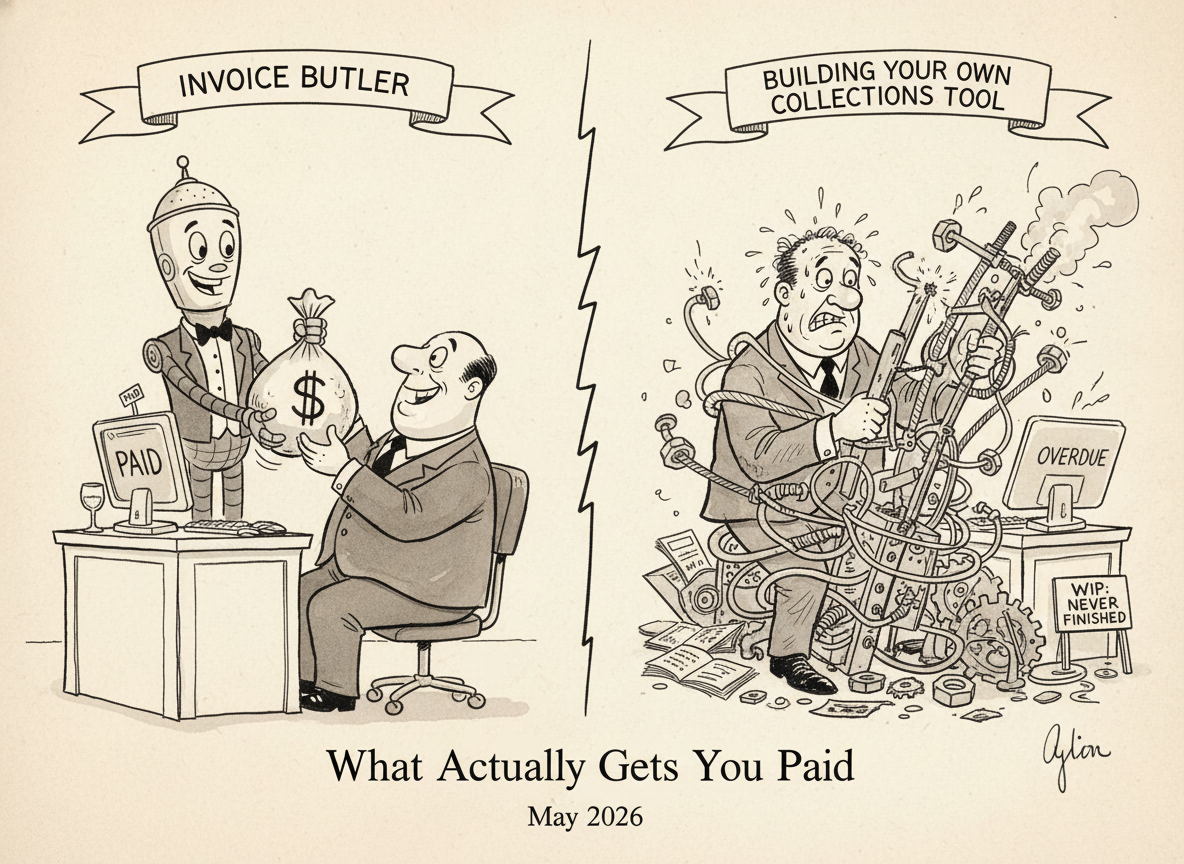
Building a custom collections tool feels achievable now that AI coding assistants can help you ship a working prototype fast. The problem is that vibe coding collections sequences and DIY AR automation only solves the easy part of getting paid. Your script sends reminders on schedule, but it can't call a customer about a disputed invoice, manually submit to payment portals, or handle the dozen edge cases that pile up once you're live. We walked through the full build vs buy accounts receivable comparison so you can see what actually moves receivables versus what just moves engineering hours around.
TLDR:
- Building your own collections tool costs $45,000 to $125,000 and takes four to six months before it does anything useful.
- Ongoing maintenance is the hidden cost: API updates, edge cases, and security patches land on your team indefinitely.
- Custom integrations break silently when upstream APIs change, and portal submissions (Coupa, Ariba, Tipalti) need manual work.
- Invoice Butler acts as your AR team, handling collections with both AI automation and AR specialists who chase disputes and make customer calls.
- One customer recovered over $300,000 in outstanding invoices and cut DSO by 50+ days after setup that took under an hour.
What Building Your Own Collections Tool Looks Like
You can build your own collections tool. With LLMs and AI coding assistants maturing fast, vibe coding a custom AR automation solution has never been more accessible. Founders and engineers are spinning up invoice-chasing scripts, Slack bots that ping overdue accounts, and custom dashboards stitched together from spreadsheet exports in a weekend.
Here is what that build typically looks like in practice:
- You write scripts to pull overdue invoices from your accounting software and trigger email reminders on a schedule, which works fine until your accounting software updates its API or your cloud provider changes something upstream.
- You build reminder logic that handles basic sequences, then spend the next few weeks patching edge cases like partial payments, disputed invoices, and customers who reply asking questions your automation cannot answer.
- You maintain the whole thing yourself, which means every new hire, new customer tier, or new billing workflow lands back on your plate as a dev task.
The hidden cost here is not the initial build. It is the ongoing maintenance, the bugs that surface at the worst times, and the opportunity cost of engineering hours spent on AR instead of your actual product.
What is Invoice Butler?
Invoice Butler is an AR collections service that handles the follow-up work for you. Instead of giving you a dashboard to manage, it acts as your collections team, sending payment reminders, chasing overdue invoices, and keeping your receivables moving without you having to think about it each week.
The setup takes under an hour. You connect your accounting software (QuickBooks Online, Xero, NetSuite, and others are all supported), spend about 30 minutes on onboarding, and the service gets to work. No daily babysitting required.
One customer recovered over $300,000 in outstanding invoices and cut their DSO by more than 50 days.
It fits best when you want collections handled without building a dedicated AR function.
Development Cost and Timeline
| Aspect | Building Your Own Collections Tool | Invoice Butler |
|---|---|---|
| Upfront Cost | $45,000 to $125,000 in developer fees at $150 to $250 per hour for 300 to 500 hours of work | Setup takes under an hour with no development costs required |
| Time to Launch | Four to six months across scoping, build, integration, testing, and iteration phases | 30 minutes of onboarding and your AR collections start running immediately |
| Maintenance Burden | Every API update, billing system change, and edge case lands on your developer indefinitely | Integration maintenance happens on our end so API changes never become your problem |
| Human Support | Scripts send automated emails but cannot handle disputes, customer calls, or portal submissions | AR specialists make phone calls, chase disputes, and manually submit to Coupa, Ariba, and Tipalti |
Building a collections tool from scratch sounds reasonable until you start pricing it out. A freelance developer in the US runs $150-$250 per hour, and a basic AR automation system — invoice tracking, automated reminders, payment reconciliation — easily takes 300 to 500 hours to build. That's $45,000 to $125,000 before you've written a single email template.

Then there's time. Most teams underestimate how long a custom build actually takes in practice.
Here are the four phases most teams go through:
- Scoping and architecture (2 to 4 weeks): Mapping out what the tool needs to do, how it connects to your billing systems, and what edge cases exist in your AR workflow.
- Build and integration (8 to 16 weeks): Writing the actual code, connecting APIs, and getting data flowing correctly between your invoicing source and the collections layer.
- Testing and iteration (4 to 8 weeks): Finding where reminders misfire, reconciliation breaks, or edge cases slip through.
- Maintenance ongoing: Every API update, billing system change, or new customer requirement lands back on your developer's plate.
Realistically, you're looking at four to six months before the tool does anything useful.
Ongoing Maintenance and Hidden Costs
The upfront build cost is just the opening act. Once your custom collections tool is live, the real expenses begin.
Here are four recurring costs that catch most teams off guard:
- Developers need to update your tool every time a billing integration changes its API, which happens multiple times a year across QuickBooks, Stripe, and similar services.
- Someone has to own the logic: when to send reminders, which accounts to escalate, what tone to take with a long-standing customer versus a new one.
- Edge cases pile up fast, and each one needs a fix, a workaround, or a judgment call that falls on your team.
- Security patches, uptime monitoring, and audit trails don't maintain themselves.
With Invoice Butler, none of that lands on your plate. The service handles collections on your behalf, so there's no internal owner required, no sprints budgeted for AR tooling, and no surprise costs when an integration goes sideways.
Integration Architecture and Technical Complexity
When you build your own collections tool, you quickly realize that "connect to QuickBooks" is only the beginning. You also need your CRM, your email system, your payment processor, and however many other data sources your team relies on.
Each connection is its own project.

Custom integrations break silently. A field name changes in an API update and your aging report stops populating correctly. Nobody notices for two weeks.
Invoice Butler connects directly to accounting software like QuickBooks Online, Xero, NetSuite, and Bill.com, as well as billing systems like Stripe, Orb, and Metronome. The integrations are maintained on our end, so when an upstream API changes, you never see the fallout.
Three technical realities catch most DIY AR builds off guard:
- Webhook reliability requires infrastructure that most small engineering teams deprioritise once the happy path works, leaving edge cases silently dropped.
- Payment portal integrations (Coupa, Ariba, Tipalti) each have their own submission quirks that need ongoing maintenance as portals update their interfaces.
- Audit trails for collections activity need to be compliant and queryable, which adds meaningful database design work that rarely gets scoped upfront.
Human Expertise and Collections Execution
Even the best AI-driven collections logic hits a wall when a customer dispute lands, a payment portal requires manual invoice submission, or an enterprise buyer needs a human to chase down an approver. Software alone doesn't solve those gaps.
Invoice Butler pairs AI automation with a team of AR specialists who handle the parts that can't be scripted. Disputed invoices get reviewed and escalated by a real person. Customer calls happen. Portal submissions get done. That's the work your custom build will never cover, because you'd need to hire for it separately.
Here are four things the human layer handles that no script can replicate:
- Dispute identification and escalation: when an invoice stalls, a specialist reviews it against the original PO, contacts the buyer's AP team directly, and tracks the resolution so the invoice doesn't quietly age past 90 days while your automation retries the same bounced email.
- Direct customer outreach by phone when email sequences stop getting traction — calling the AP contact or controller, not just leaving a voicemail and hoping for the best.
- Manual portal submissions for customers on Coupa, Ariba, or Tipalti: logging in, matching PO numbers, uploading to the correct cost centre, and resubmitting when the portal rejects on a technicality.
- Relationship-preserving communication written in your brand's voice, so every message reads like it came from your own team — not a third-party collections notice.
Your DIY AR build can automate reminders. It can't log into Coupa at 4pm on a Friday to resubmit a rejected invoice, and it can't talk a hesitant AP contact through a payment approval. That's where the human layer earns its keep.
Why Invoice Butler is the Better Choice
Invoice Butler takes accounts receivable off your plate entirely. You are not managing a tool, tweaking prompts, or babysitting an integration you built on a Sunday afternoon. InvoiceButler handles it.
Here is what that looks like in practice:
- Invoices get chased automatically, with follow-ups sent from your own email so customers see a message from your team, not a generic notification from a third-party service.
- Disputes and queries get flagged and routed before they become overdue debt sitting on your ageing report.
- Setup takes under an hour, including integrations with QuickBooks Online, Xero, NetSuite, Bill.com, and Stripe.
- You get a clear view of what is outstanding, what is in dispute, and what has been collected, without building a single dashboard.
One Invoice Butler customer collected over $300,000 in previously outstanding invoices and cut DSO by more than 50 days. That came from handing the work off, not from getting better at doing it themselves.
Final Thoughts on the Build vs Buy Decision for AR
You can absolutely build a collections tool yourself. LLMs and modern APIs make it more accessible than ever. But accessible doesn't mean worth it. Between the upfront dev costs, the ongoing maintenance tax, and the human work your automation will never cover, you're choosing a long-term project over a working solution. Invoice Butler takes collections off your plate entirely, from automated reminders to manual portal submissions to actual human follow-up when email bounces. Chat with our CEO for 15 minutes and see what that looks like for your business.
FAQ
How should I decide between building my own collections tool and using Invoice Butler?
Choose a custom build if you have ongoing engineering capacity to maintain integrations, patch edge cases, and own AR tooling long-term. Choose Invoice Butler if you want collections handled without dedicating developer hours or hiring AR staff—setup takes under an hour, and the service runs whether you log in or not.
What does Invoice Butler actually do that a DIY automation script can't?
Invoice Butler handles the parts no script covers: responding to customer disputes, logging into supplier portals like Coupa and Ariba to submit invoices, escalating through phone and text when email fails, and maintaining the judgment calls (which accounts to escalate, what tone to take) that change customer-by-customer.
Who is Invoice Butler built for compared to a custom-coded solution?
Invoice Butler fits teams without dedicated AR headcount who need the work done, not organized. A custom build suits engineering teams who want full control and have capacity to maintain it. If you're a founder or finance leader currently chasing invoices yourself, handing it off beats building it yourself.
What happens to my custom collections tool when integrations break or APIs change?
Every upstream API update lands back on your developer to fix: QuickBooks changes a field name, your aging report stops populating, and nobody notices for weeks. With Invoice Butler, integration maintenance happens on our end, so API changes never surface as your problem.
Can I migrate from a homegrown AR system to Invoice Butler without losing context?
Yes. You connect your accounting software (QuickBooks Online, Xero, NetSuite, and others), spend about 30 minutes on onboarding, and Invoice Butler picks up where your custom tool left off—no manual data migration or lost history required.