Table of Contents

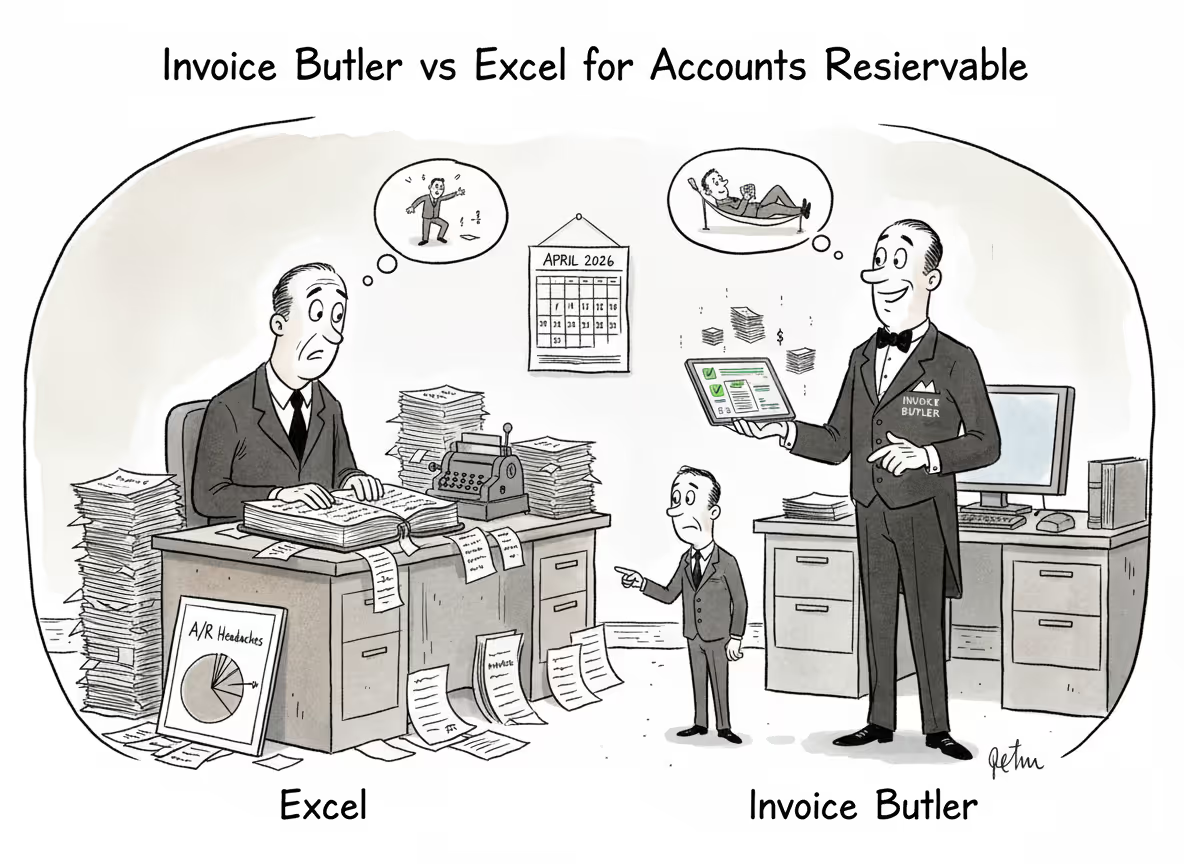
You probably know your Excel AR tracker is slowing you down, but switching feels like opening a whole new problem. The real difference between Invoice Butler vs Excel for AR comes down to automation vs delegation: do you want better tools or do you want the work done for you entirely? Excel can track status and run aging reports, but it won't chase payments, manage supplier portals, or handle customer replies. Those tasks still need a human, and that human is you.
TLDR:
- Excel tracks invoices but can't send reminders, handle portals, or follow up automatically.
- Manual AR inflates DSO and leads to 2-5% revenue written off as bad debt annually.
- Invoice Butler handles follow-ups, portal submissions, and customer replies without your team touching it.
- Clients have collected $300K+ in overdue payments and cut DSO by 50+ days with automation.
- Invoice Butler is an AI-powered AR service that takes collections work off your plate entirely.
Excel AR Management: What It Can and Cannot Do
Excel is the default AR tool for a lot of businesses, and honestly, it makes sense early on. You can set up a simple invoice tracker in an afternoon: customer names, invoice numbers, due dates, amounts, payment status. For a handful of clients, that works fine.
The problems show up as you grow. Excel doesn't send reminders, follow up with customers, flag overdue invoices automatically, or log into supplier portals. Every action requires a human to open the file, notice something is late, then go do something about it. That's not a system; that's a to-do list with extra columns.
Here's what Excel genuinely handles well for AR:
- Tracking invoice status across a small client list
- Running basic aging reports (30/60/90 days overdue)
- Storing payment history for reference
- Simple cash flow projections
And here's where it falls short:
- No automated reminders or follow-ups
- Version control issues when multiple people edit the same file
- Zero integration with your billing or accounting software
- No audit trail for customer communications
- Manual reconciliation every time a payment comes in
Excel was built for analysis, not action. It can tell you who owes you money. Getting them to pay is still entirely on you.
The Hidden Costs of Manual AR Management in Spreadsheets
Managing AR in spreadsheets rarely shows up as an obvious expense, but the costs accumulate week by week. Finance teams spend hours updating trackers, drafting reminder emails, and chasing down contacts. That time carries a real dollar cost.

There are four areas where spreadsheet-based AR quietly bleeds money:
- Labor hours spent on manual follow-up that could go toward higher-value work
- Bad debt write-offs from invoices that slip through the cracks unnoticed
- Carrying costs on overdue receivables sitting unpaid for weeks longer than necessary
- Opportunity cost from delayed cash that cannot be redeployed back into the business
AI accounts receivable automation tools can reduce collection time by 67% according to industry research. For a team already stretched thin, collections software can help resolve that backlog before it turns into a write-off.
The Real Cost of Bad Debt in Manual AR Processes
The most expensive part of manual AR isn't the time spent updating spreadsheets. It's the invoices that never get collected at all. When follow-up depends entirely on human memory and capacity, some receivables inevitably fall through the gaps and turn into write-offs.
Businesses relying on manual follow-up write off 2-5% of revenue as uncollectible. Automated, consistent follow-up sequences bring that down to 0.5-1.5%. The gap sounds small until you run the numbers.
On $1M in annual revenue, you're looking at somewhere between $5,000 and $35,000 in losses that didn't have to happen. Not from bad customers. Not from disputed invoices. Just from invoices that nobody followed up on consistently enough.
That's the quiet tax of spreadsheet AR.
When Excel Becomes Your Bottleneck: Scaling Issues
There's a volume threshold where Excel stops being a tool and starts being a liability. For most businesses, that's somewhere around 50-100 active invoices. Below that, manual tracking is manageable. Above it, things slip.
Scaling exposes three specific breaking points:
- More customers means more unique payment requirements. Net 30 for one client, supplier portals for another, PO numbers required by a third. Excel tracks none of that complexity automatically.
- Growing teams create version conflicts. Who sent the last reminder? Which copy of the spreadsheet is current? Nobody actually knows.
- Higher invoice volume means more exceptions, disputes, and follow-up threads to manage simultaneously.
The irony is that Excel often feels fine right up until it isn't. Revenue grows, headcount stays flat, and suddenly the AR backlog is weeks deep with no clear owner.
Automation Approaches: Software Tools vs. Outsourced AR Teams
Once you outgrow Excel, there are two paths forward: buy AR software, or hand the work to someone else entirely.
AR software tools give your team a better interface for tracking invoices and sending automated reminders. They're an upgrade from spreadsheets, but your team still owns the process. Someone still has to configure the sequences, respond to customer replies, log into supplier portals, and handle exceptions.
Outsourced AR services flip that model. Instead of giving you better tools, hybrid AR solutions with AI and humans take the work off your plate. Follow-ups go out, customer questions get answered, portals get managed, and payments get confirmed without you touching any of it.
The right choice depends on one question: do you want a better way to do AR, or do you want it done for you?
Days Sales Outstanding: The Key Metric for AR Performance
Days Sales Outstanding (DSO) measures the average number of days it takes to collect payment after an invoice goes out. Lower is better. It's the single number that tells you how healthy your AR process is, and DSO reduction software can help you improve it.
Here's where different industries typically land:
If your DSO is running well above your industry benchmark, the gap usually traces back to one thing: inconsistent follow-up. Invoices go out, reminders are sporadic, and customers who aren't being nudged simply wait.
Manual spreadsheet processes almost always inflate DSO. When follow-ups depend on someone remembering to check a file, delays compound fast, which is why the best invoice follow-up automation tools are so valuable.
What DSO Means for Your Cash Flow
DSO directly determines how much cash you have available to spend. The longer it takes to collect payments, the more working capital sits locked up in receivables instead of your bank account. That delay forces businesses to either carry more reserves or scramble for financing just to cover payroll and expenses whilst waiting on customers to pay.
A 30-day DSO or less is considered the standard for most B2B trade. If you're sitting above that, your AR process has room to improve.
JP Morgan notes that tightening DSO directly improves cash flow without requiring more revenue, and cash flow improvement tools for B2B startups make this possible. You collect what you're already owed, faster.
Common AR Challenges Excel Cannot Handle
Some AR problems are about complexity that no spreadsheet can handle.
- Supplier portals like Coupa, Ariba, and Tipalti require logins, form submissions, and status checks that Excel cannot touch, which is where AR automation tools with customer payment portals come in.
- Finding the right decision-maker when a contact goes quiet takes research and judgment, not a formula.
- Escalating overdue invoices without damaging a client relationship requires tone and timing a spreadsheet cannot calibrate.
- Responding to customer questions, dispute requests, or invoice amendment asks in real time demands an actual inbox, not a tracker.
Excel records what happened. It cannot act on any of it.
How Invoice Butler Eliminates Spreadsheet Dependency
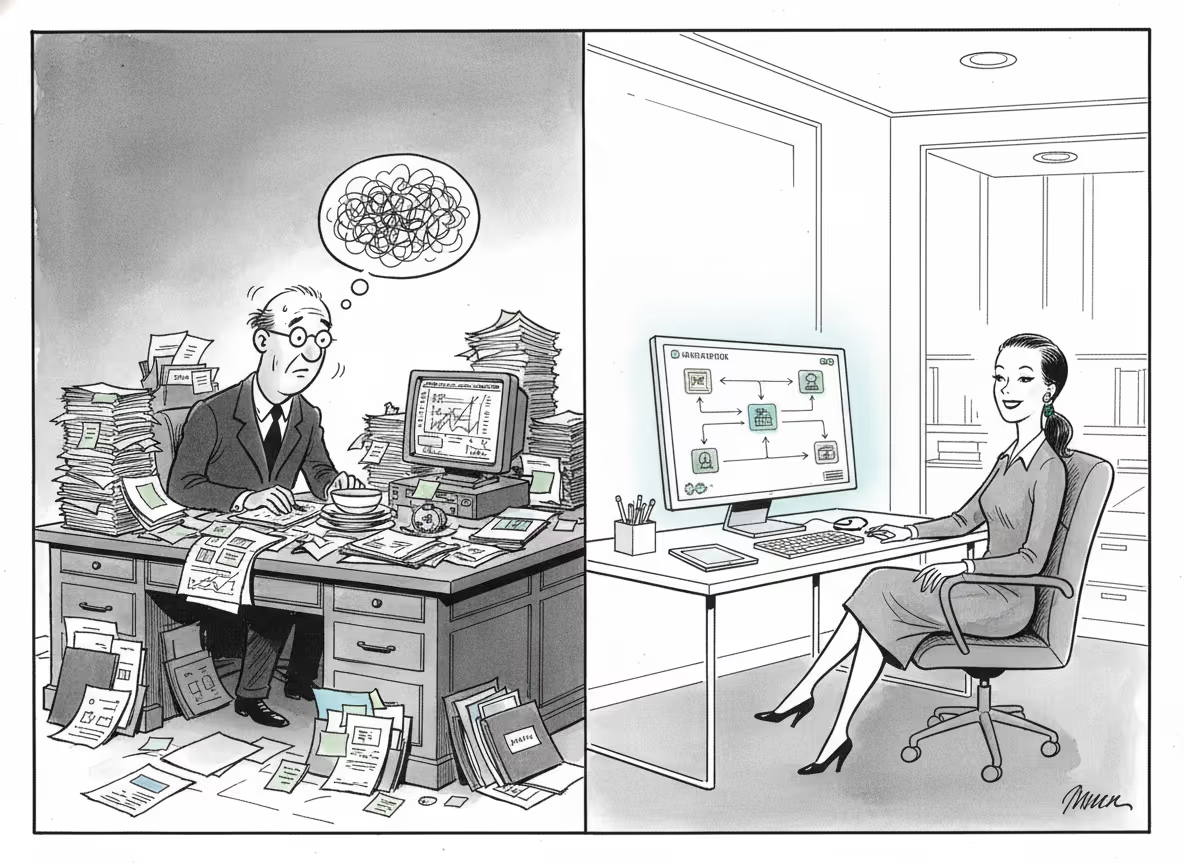
Every problem outlined above has the same root cause: spreadsheets require humans to act on them. Invoice Butler removes that dependency entirely.
When you connect your billing system using AR automation with fast setup, Invoice Butler takes over the follow-up process end-to-end. Reminders go out on schedule, customer replies get handled, supplier portals get managed, and escalations reach the right people without anyone on your team touching it. You get the work taken off your plate entirely.
Here is where Excel falls short by comparison:
- Supplier portals (Coupa, Ariba, Tipalti): Invoice Butler logs in, submits invoices, and tracks approval status so nothing stalls in a queue.
- Unresponsive contacts: decision-makers are identified and escalated to professionally.
- Customer questions and invoice amendments: handled through your AR inbox, not deferred indefinitely.
- Payment confirmation: matched to the correct invoice automatically, so follow-ups stop the moment payment is underway.
Final Thoughts on Moving Beyond Excel for AR
Invoice Butler exists because spreadsheets were never designed to chase down payments or manage supplier portals. Your AR work should happen without you, not because of you. The moment your tracker becomes a full-time job is the moment you need someone else handling it entirely. If that sounds like where you are now, book a call and we'll show you what hands-off collections actually look like.
FAQ
How much time does managing AR in Excel actually cost your team?
Most finance teams spend 10-20 hours per week on spreadsheet updates, manual follow-ups, and chasing payments. That's time that could go toward forecasting or strategic work instead.
What happens to your DSO when you switch from manual to automated collections?
Companies typically see DSO drop by 30-50 days within the first few months, as consistent automated follow-ups prevent invoices from sitting unpaid while someone remembers to send a reminder.
Can Invoice Butler handle supplier portals like Coupa and Ariba?
Yes. The service logs into customer procurement portals, uploads invoices, fills out required forms, and tracks approval status so your team never has to touch them.
When should you consider moving beyond Excel for AR management?
If you're managing more than 50-100 active invoices, spending over 10 hours weekly on collections, or seeing invoices slip through the cracks, you've hit the point where spreadsheets become a bottleneck.
How quickly can Invoice Butler start collecting on overdue invoices?
Most teams complete setup in under an hour by connecting their accounting system, and collections work begins immediately. Some see recovered payments within the first billing cycle.